
Artificial intelligence is getting real attention in construction, but that does not mean every contractor is ready to use it well. Before your firm pays for a new platform, add-on, or pilot, ask a harder question first: do you have the data, processes, security controls, and workforce habits to make AI useful instead of expensive?
For Southern California contractors, that question matters. A failed rollout can waste management time, frustrate project teams, and create avoidable risk around documents, estimates, payroll support, and jobsite reporting. This article offers a practical AI readiness checklist for contractors in Orange County, Los Angeles, the Inland Empire, and Ventura County so leadership teams can decide what to strengthen before the next AI purchase.
Construction leaders are hearing constant promises about artificial intelligence. Some tools are marketed as ways to speed up estimating, search project records faster, summarize field reports, organize photos, or flag patterns in schedules and safety data. Those use cases may be worth exploring, but they do not eliminate the need for basic operational discipline.
That is the core issue behind current industry discussion, including Construction Executive’s reporting on whether construction firms are truly AI-ready before investing further. The real gap is often not interest. It is readiness.
For Southern California contractors, the stakes are practical. Project teams often work across multiple platforms, offices, and job sites. Firms may be juggling public and private work, complex subcontractor relationships, and tight timelines. If project data is inconsistent, document control is weak, or staff is unsure how to use digital systems already in place, AI can amplify confusion rather than solve it.
ABC SoCal’s role in this conversation is practical too. The goal is not to promote a specific vendor. It is to help contractors make better decisions about when to pilot AI, when to slow down, and what foundational work should come first.

Being AI-ready does not mean buying a chatbot subscription or turning on a new software feature. It means your company can introduce AI into existing workflows with enough structure that the outputs are useful, reviewable, and tied to real business goals.
A helpful way to think about readiness comes from the National Institute of Standards and Technology’s AI Risk Management Framework. NIST organizes AI risk management around four functions: govern, map, measure, and manage. A contractor does not need to adopt the framework formally to benefit from those questions. In plain language, the framework pushes firms to decide who is accountable, what use case is being addressed, how results will be checked, and how risks will be managed over time.
In construction terms, an AI-ready firm often has several basics in place:
Without those basics, even a promising tool can produce unreliable outputs or create new security and quality-control problems.
Use this checklist before approving an AI pilot, software expansion, or budget request. It is designed for general contractors and specialty trades, including electrical, plumbing, low voltage, and sheet metal firms.
AI tools are only as useful as the information feeding them. If your estimating files, project correspondence, job cost history, daily reports, and closeout records are scattered across inboxes, personal drives, legacy spreadsheets, and scanned PDFs, the first problem is not AI. It is data discipline.
Ask your team where important information really lives today. Then look for common obstacles:
A realistic first move may be to standardize naming conventions, tighten folder structure, and improve document consistency in the systems you already use. Contractors don’t need perfect data before every pilot, but they do need data organized enough to support the workflow being tested.
AI works better in repeatable processes than in chaotic ones. If you want to use AI to help draft RFIs, summarize daily logs, search specifications, or compare estimate information, someone still needs to define the workflow, check the output, and decide what happens when the tool gets something wrong.
Map key workflows and assign ownership. For example:
Start with workflows that already have templates, repeated steps, and measurable time demands. That is usually safer than testing AI first on high-variability or high-risk decisions.
This is also where firms should address unofficial “shadow AI” use. If employees are pasting project documents, bid information, or internal records into unapproved tools on their own, the company has a governance problem before it has an innovation program.
AI adoption raises ordinary but important security questions. What information are employees sharing into outside systems? Which accounts have access to sensitive files? What review happens before AI-generated content is relied on for operations, communication, or documentation?
CISA’s public AI safety guidance emphasizes caution about what users share into AI systems. For contractors, that can include bid strategy, financial records, employee information, owner documents, and project files that should not be casually pasted into public tools.
Check whether your firm already has these basics in place:
A short internal AI-use policy can go a long way. It should identify approved tools, restricted data types, required human review, and examples of what employees should not upload or generate without authorization.
Because data and compliance obligations vary by project and company, firms should treat this article as general educational guidance, not legal advice.
Before a company asks employees to use AI responsibly, it helps to know whether they are already comfortable with the digital tools tied to their jobs. In many firms, the real training need is still foundational: file organization, spreadsheet use, cloud storage, document retrieval, and consistent data entry.
That is why AI training for construction companies should begin with role-based readiness, not just tool demonstrations. Estimators, project engineers, payroll staff, superintendents, and office managers all interact with information differently. Their training should reflect that.
Useful training priorities often include:
ABC SoCal’s computer fundamentals for construction workers is a logical supporting resource when firms discover that digital basics need work before advanced adoption can succeed.
Many contractors also benefit from choosing a small group of internal champions drawn from operations, field supervision, estimating, and administration. The right champions are not necessarily the most enthusiastic people in the room. They are the people who understand both the work and the discipline required to test a tool carefully.

Not every workflow should be your first pilot. A better starting point is a low-risk, repetitive task where you can easily check quality and where time savings matter.
Examples may include:
These are examples of possible use cases, not guarantees. Different platforms offer different capabilities, and outputs still require human review.
Do not hand high-stakes activities such as final bid pricing, contract interpretation, compliance certifications, or final safety decisions to AI without strong oversight. A smart pilot is narrow, measurable, and easy to stop if it underperforms.
Contractors do not need a large formal committee to govern AI. They do need a simple way to decide whether a pilot is helping.
Track a few practical measures tied to the workflow being tested, such as:
Review those results regularly. If the output is inconsistent, the review burden is too high, or the pilot reveals bigger data problems underneath, that is still a useful result. It may mean the company should fix the underlying process before expanding AI use.
Once a firm has stronger data, defined workflows, and clear review rules, AI may be useful in several practical areas. Depending on the platform, contractors may explore faster document search, first-pass summaries, sorting and tagging records, support for repetitive administrative tasks, or pattern recognition across project data.
Some firms also explore AI-enabled features inside broader construction platforms, safety technology, building information workflows, or document management systems. The key point is not that every advertised feature will deliver immediate value. Tools tend to perform better when they are tied to a specific workflow and grounded in reliable company data.
That same logic applies to safety-related tools. Some systems aim to identify patterns in reports, photos, or observations, but they should support qualified supervisors and established safety programs, not replace them. ABC SoCal’s construction safety technology resource can help contractors think more broadly about how digital tools fit into field risk management.
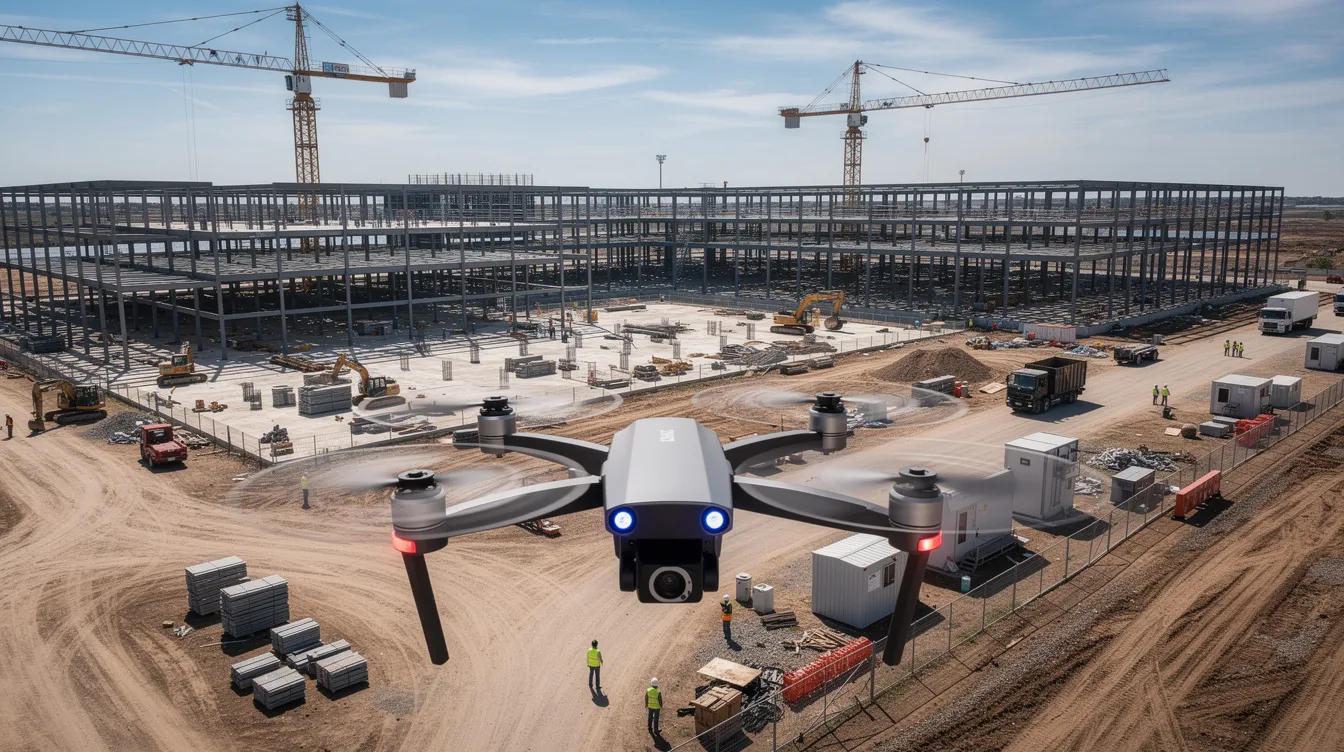
Southern California contractors often manage large volumes of documents, multiple active jobs, and coordination across office and field teams. That alone is a reason to be disciplined about AI rollout. The local market also values speed, accuracy, and operational control. Firms cannot afford pilots that create extra confusion for project managers, estimators, payroll staff, or superintendents.
That is why this topic fits ABC SoCal’s broader focus on training, workforce development, and practical technology adoption. The most durable advantage will usually come from stronger systems and stronger people, not from buying the newest tool first.
If your company is interested in AI but not sure where to start, use a 90-day readiness cycle.
Days 1-30: Inventory the workflow you want to improve. Identify where the data lives, who owns the process, what systems are involved, and how the work is handled today. Record baseline measures such as time spent, number of handoffs, and common errors.
Days 31-60: Clean up the information and process around that workflow. Standardize naming, reduce obvious duplication, confirm permissions, and train the small group of employees who will test the process. If your existing software already offers AI-related features, evaluate those before adding another platform.
Days 61-90: Run a limited pilot, review the output, and compare results to your baseline. Document what improved, what created extra work, and what hidden problems surfaced in data or process design. Then decide whether to expand, revise, or stop.
This cycle helps keep AI tied to operations. It forces the company to learn whether the problem is really a missing tool or a weak process.
ABC SoCal supports contractors through workforce development, education, and practical training that strengthens the foundations of successful technology adoption. Depending on the company’s needs, that may include apprenticeship pathways, continuing education, leadership development, and digital-skills training that improves day-to-day execution.
For firms discovering that the real barrier is still digital fluency, process discipline, or workforce confidence with modern systems, the right next step may not be a new AI purchase. It may be stronger internal training and clearer operational standards first.
Contractors looking for a related resource can also review ABC SoCal’s technology in construction roadmap for a broader look at implementation discipline.
The most important AI question for a construction firm is not “Which tool should we buy first?” It is “Are we ready to use AI in a way that actually improves the work?”
For many Southern California contractors, the right answer starts with fundamentals: cleaner data, clearer workflows, better security, stronger workforce skills, disciplined pilots, and simple governance. That is the practical foundation behind effective AI training for construction companies.
If your leadership team is discussing AI this year, the next step is straightforward. Hold an internal readiness review before the next software commitment. Use the six-part checklist in this article to identify where your firm is prepared, where it is exposed, and what to fix first.
Below are answers to common questions about this topic.
If your company still struggles to find reliable project records, uses inconsistent naming conventions, lacks clear ownership of key workflows, or has major access-control gaps, it may be better to slow down and fix those basics first. AI tends to work better when the underlying process is already stable enough to measure and review.
Include leadership, operations, estimating, project management, field supervision, accounting or payroll, and whoever manages technology decisions. Each group will see different risks and opportunities. A short internal workshop built around one workflow is often more useful than a broad software demo.
Yes, but the strongest first use cases are usually narrow and practical. Smaller firms should be especially careful to focus on one measurable workflow at a time so they don’t waste limited budget or management attention.
No. AI-related tools may support information review or pattern spotting, but they do not replace qualified supervision, established safety practices, or project-specific compliance review.
That depends on the firm’s starting point. Some companies can prepare one workflow for a limited pilot within a quarter. Others may need a longer stretch of data cleanup, process mapping, and digital-skills training before a pilot makes sense. The better question is not how fast AI can be turned on, but how responsibly the firm can test it.