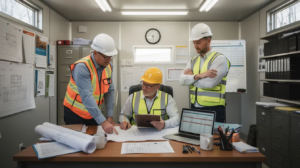
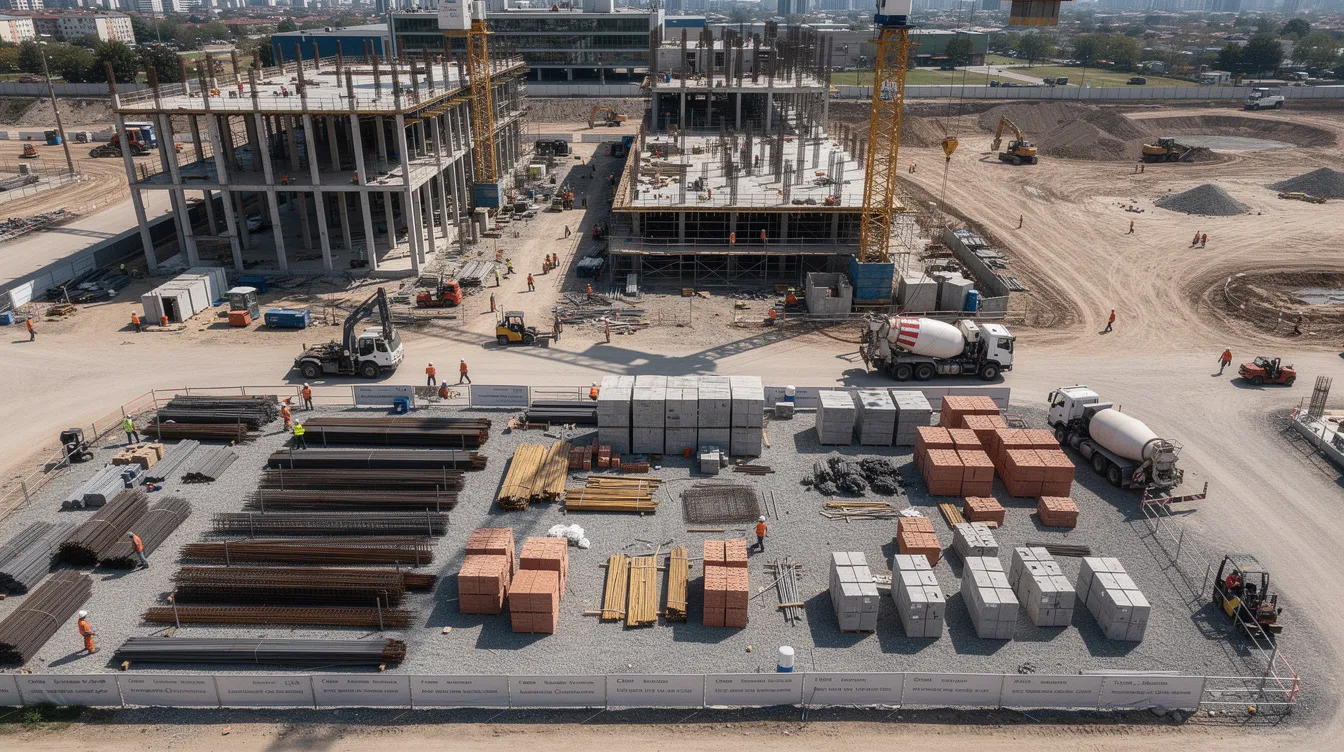
Mid-sized Southern California contractors face a practical question: should they keep relying on traditional CPM scheduling alone, or add construction scheduling AI to improve day-to-day planning and schedule visibility? For firms managing tight labor markets, expensive equipment time, and complex trade coordination across Los Angeles, Orange County, the Inland Empire, and Ventura County, the answer is rarely all or nothing.
The short answer: For many midsized contractors, construction scheduling AI can add value fastest when it sits on top of an existing CPM baseline rather than trying to replace it. Traditional CPM scheduling still matters because it remains the recognized schedule structure for baseline logic, delay analysis, owner reporting, and many public-works workflows. A practical path for Southern California contractors is a hybrid model: use CPM as the contractual backbone, then test AI for look-ahead planning, faster schedule updates, and earlier risk visibility.
Construction scheduling AI refers to software that uses artificial intelligence or machine-learning features to analyze schedule data, progress updates, constraints, and other project inputs to identify risks, suggest sequencing adjustments, or support faster schedule updates. In most cases, it works as a decision-support layer for project teams rather than as a replacement for schedulers, superintendents, or project managers.
Potential strengths can include:
In practice, most contractors considering construction scheduling AI are not throwing out Primavera P6 or Microsoft Project. They want a way to make those baseline schedules more useful between formal updates.
Traditional CPM, or Critical Path Method, remains a standard framework for construction scheduling. Teams define activities, durations, and dependencies to identify the critical path: the sequence of controlling work that drives the completion date.
CPM remains important because it provides:
But CPM also has familiar limitations. Manual updates can lag field reality. What-if analysis takes time. Look-aheads often depend on who has time to build them. And if the schedule mostly lives in an office file, field teams may not use it as an active decision tool.
The table below summarizes where each approach best fits for Southern California contractors.
| Factor | Construction Scheduling AI | Traditional CPM Scheduling |
|---|---|---|
| Best for | Teams that want faster look-aheads, scenario testing, and earlier schedule-risk visibility | Baseline schedules, owner reporting, delay analysis, and contractual documentation |
| Primary value | Faster insights, possible automation, and more usable day-to-day planning support | Clear logic ties, accepted schedule structure, and formal project controls discipline |
| Upfront effort | Requires clean enough data, defined workflows, and user adoption | Requires scheduler discipline, structured updates, and consistent maintenance |
| Typical use | Look-aheads, risk alerts, scenario comparison, and internal planning support | Bid schedules, baselines, monthly updates, claims support, and owner submittals |
| Public-works fit | Useful as an internal support tool when outputs are reviewed by qualified staff | Stronger fit as the primary formal schedule record where owners or agencies expect CPM workflows |
| Field usability | Often stronger if the tool presents alerts, dashboards, or simplified planning views | Often stronger for trained schedulers than for field users reviewing dense Gantt logic |
The main takeaway is straightforward: AI may improve the speed and usability of scheduling decisions, while CPM remains essential for formal structure, accountability, and contract support.
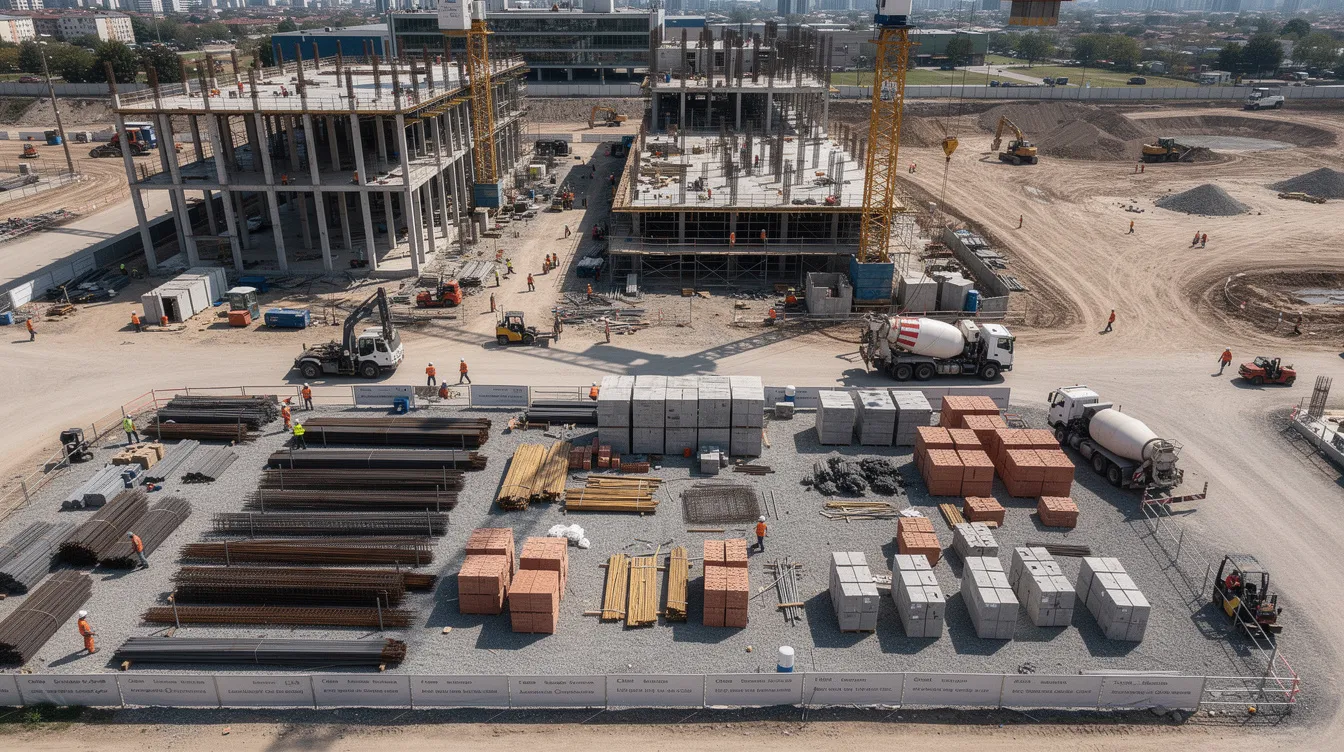
Construction schedules are most useful when they help teams act before a problem spreads. That is where construction scheduling AI may have an advantage. If a platform can absorb current project inputs and flag emerging issues earlier, project teams may get more time to re-sequence work, adjust trade coordination, or revisit near-term priorities.
Traditional CPM usually depends on a scheduled update rhythm. That works well for formal control, but it can leave a gap between what is happening in the field and what appears in the latest accepted schedule.
Consider a hypothetical multifamily project in Los Angeles. Midweek, the superintendent sees that one trade is not producing at the expected pace and material timing is starting to affect downstream work. In a CPM-only workflow, that risk may not be fully visible until the next structured update. In an AI-supported workflow, the team may be able to compare alternate near-term sequences faster and discuss them while there is still more room to react.
Advantage: Construction scheduling AI. For contractors trying to improve near-term responsiveness, AI can offer value if the inputs are reliable and the team actually uses the outputs.
Many contractors do not struggle because they lack a schedule. They struggle because the schedule is hard to use outside the project controls function. If the superintendent, foreman, and project manager cannot quickly translate the schedule into next-week decisions, the schedule becomes a reporting tool instead of an operational one.
That is why AI-supported tools often appeal to midsized contractors. They may present information more accessibly through dashboards, alerts, or simpler visual planning views. For firms that already capture digital field data, that can make the schedule conversation more immediate.
Traditional CPM still offers depth and control, but it is usually less intuitive for broader field use unless someone actively translates it into look-aheads, huddle discussions, and trade coordination tasks.
Advantage: Construction scheduling AI. For day-to-day usability, AI-supported interfaces may help more teams engage with the schedule. But the software still needs training, clear expectations, and human judgment.
This is where contractors need to slow down and separate operational convenience from formal responsibility. In California, prevailing wage rules apply to public works, and apprenticeship obligations can also apply on covered projects. Contractors should not assume that a scheduling tool, by itself, solves any labor-compliance duty.
Traditional CPM remains the safer primary system of record when schedules may affect owner communications, formal updates, delay analysis, or public-works documentation. Before selecting a scheduling workflow, review the owner’s actual contract documents and schedule-update requirements. That is an owner-example point, not a universal rule for every public project, but it shows why formal CPM workflows still matter.
Construction scheduling AI can still be useful on public works as an internal planning aid. But contractors should keep a few boundaries in place:
Advantage: Traditional CPM scheduling. For California public works and compliance-sensitive reporting, CPM remains the stronger formal foundation.
Mid-sized contractors usually do not need a sweeping digital transformation to test whether construction scheduling AI is worth the effort. They need a realistic way to evaluate whether the tool improves planning, reduces manual schedule work, or helps teams respond faster.
That means the best AI pilot is usually narrow. Instead of rolling new software across every project, start with one repeatable project type and one or two use cases, such as:
Traditional CPM may already be deeply embedded in the business, which lowers switching risk. But its improvement curve can be limited if the main problem is not the baseline schedule itself, but the time it takes to maintain, translate, and act on it.
Advantage: Construction scheduling AI, when piloted narrowly. The fastest ROI usually comes from solving one planning bottleneck well, not from promising a complete scheduling overhaul.
There is no universal winner. The better first move depends on the type of work your company performs, how disciplined your current scheduling process is, and how much usable project data you already capture.
For many midsized Southern California contractors, the strongest position is still a hybrid one: keep CPM as the contractual and controls foundation, then use construction scheduling AI where it can improve planning speed and visibility without creating unnecessary risk.
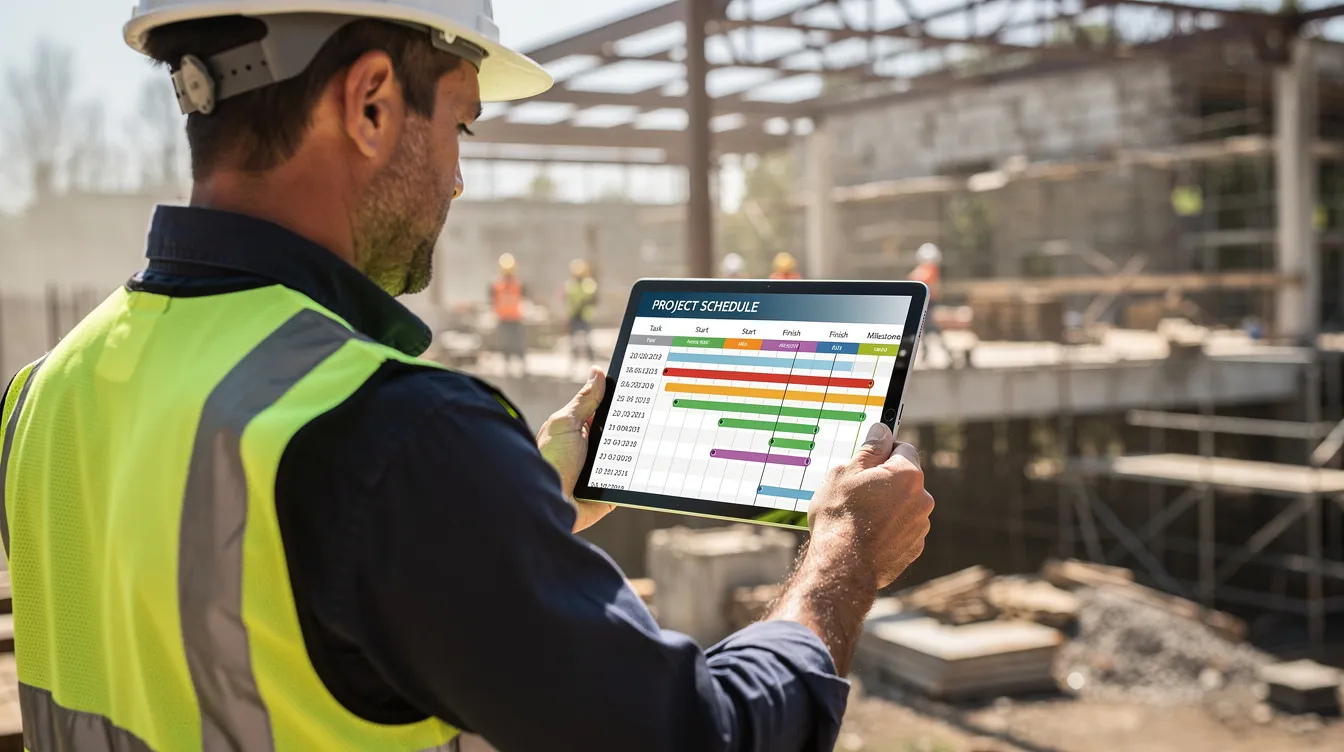
The safest way to test construction scheduling AI is to keep the first pilot small, measurable, and separate from official owner-facing schedule control.
Useful pilot metrics may include time spent preparing look-aheads, number of schedule issues surfaced early enough to act on, and qualitative feedback from project managers and superintendents on whether the tool improved coordination.
Below are answers to common questions about this topic.
Usually not. For most contractors, AI works better as a support layer than as a replacement for the core CPM structure used for baseline schedules, owner reporting, and delay analysis.
It can be useful as an internal planning tool, but contractors should use AI-generated outputs with caution in formal schedule submissions or compliance-sensitive workflows without qualified human review. Project requirements vary by owner, contract, and funding source.
A clear scheduling process, a usable baseline schedule, and enough reliable project data to make the tool worth testing. Without those basics, the software may add noise instead of clarity.
Focus first on one measurable improvement: faster look-aheads, earlier risk identification, or less manual schedule rework. If the pilot cannot improve a real planning bottleneck, it is probably too broad or poorly defined.
Construction scheduling AI is most useful when it helps a contractor make better near-term decisions without weakening schedule discipline. For many midsized firms, that means starting small: protect the CPM backbone, choose one project type, and test whether AI actually improves planning speed, schedule visibility, or team coordination.
If your company is still building the digital habits that make tools like this useful, broader technology readiness may be the right first step. ABC SoCal members can start by reviewing the chapter’s existing technology guidance for Southern California merit shop contractors and by strengthening field and office workflows before scaling new software decisions.
For a related next step, review ABC SoCal’s broader technology guidance here: construction AI overview for contractors.